July 27, 2026
With work-from-home here to stay, many companies have an increased desire to ensure their mobile devices are secured.

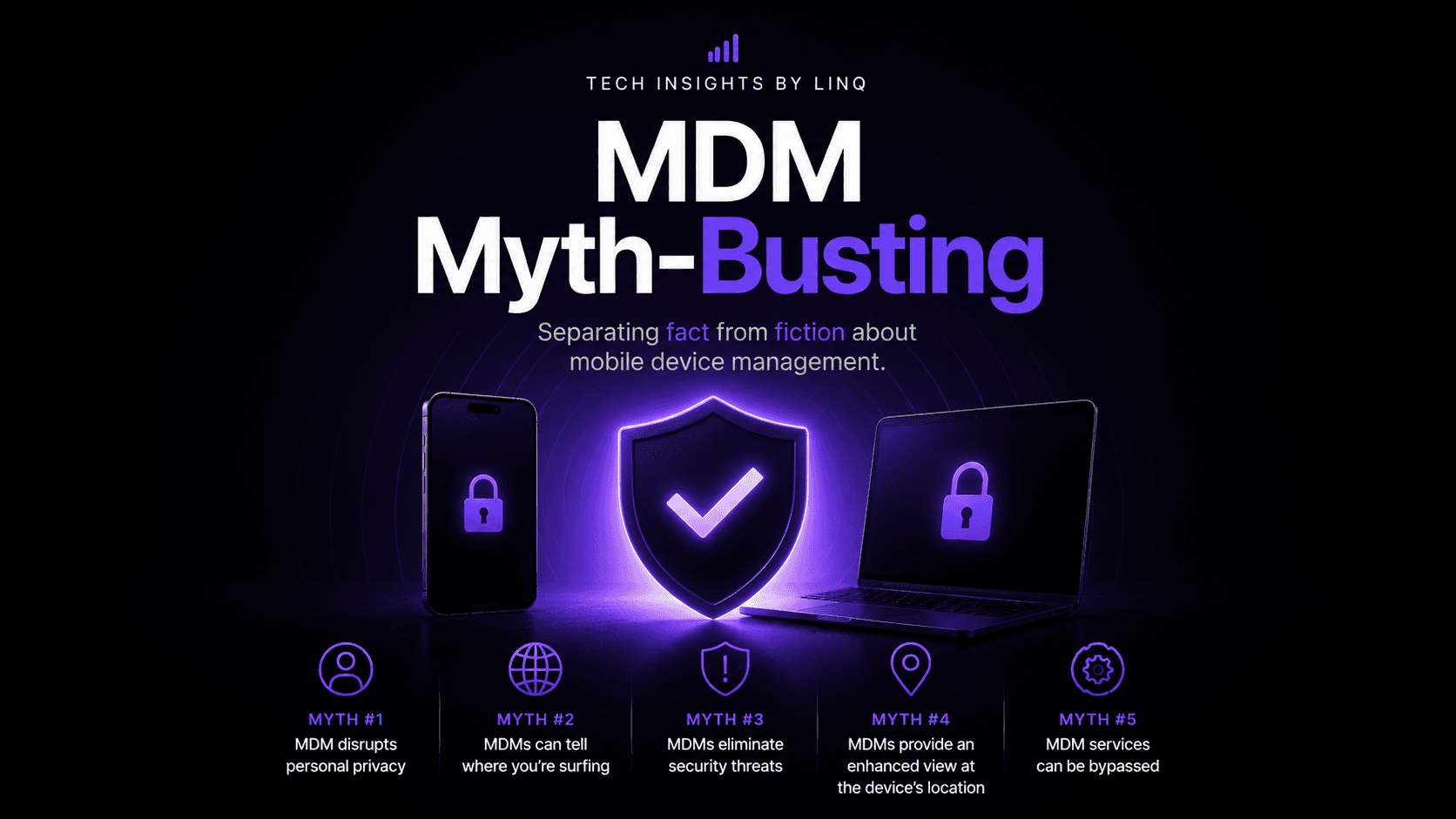
With work-from-home here to stay, many companies have an increased desire to ensure their mobile devices are secured. Unfortunately, the need to protect devices may not be completely covered by MDM/UEM.
Myth #1: MDM disrupts personal privacy
Fact: Mobile Device Management solutions each feature a set of tools for developing, securing, and managing mobile devices. A common misconception is that these MDM features are used to watch over/spy on employees. In most cases, however, MDM features are only meant to simplify deployment, ensure security policies are followed, and streamline ongoing management of devices.
In fact, MDMs have very little ability to actually see what a user is doing on a device other than what apps they have installed.
Myth #2: MDMs can tell where you’re surfing
Fact: A common misconception is that MDMs include traffic and data monitoring features. Many companies desire these features in order to see where people are going on the web or how much data they are consuming, but it is important to note that add-on tools may be needed to support this need. Further, when a company purchases software to monitor this traffic, it is mainly used to block devices from going to “bad sites” or sites the company deems unproductive.
Myth #3: MDMs eliminate security threats
Fact: Many think, “now that we have an MDM we don’t need to worry about malware, viruses, or other security threats.” The truth is that different MDMs provide different levels of security. Some MDM vendors offer bundles with additional security products, but not all of them. MDM can help reduce security threats in that it can enforce device security policies and tackle Data Leakage Prevention, but the scope often does not include what is known as “Mobile Threat Defense.” This additional layer will cover what MDMs cannot, largely threats related to web traffic: phishing protection, malicious downloads, app leakage, etc.
Myth #4: MDMs provide an enhanced view at the devices location
Fact: Many MDMs can provide a location for the device, but its comes with a lot of "ifs." For iOS devices for example, the device must be in lost mode to provide location with certainty. This means the device has to be on and actively connecting to enter lost mode, at which point it can then provide a location. MDMs that can provide a location without lost mode rely on the app have location services set to always on, which most companies cannot guarantee. Most do not provide "bread-crumbing" either. It can tell you where it is now, but not where it has been throughout the day.
Myth #5: MDM services can be bypassed
Fact: In a corporately owned device with Automated Device Enrollment (ADE) activated, MDMs are force installed onto the device. On the other hand, in a BYOD (Bring Your Own Device) scenario, the user does have the ability to turn off or unsubscribe to certain features. This is, fortunately or unfortunately, core to the difference between user controlled and company supervised devices.
If we didn’t cover a myth that you are curious about or if you would like more information on this topic, please contact info@LINQservices.com and we will be glad to help.