July 23, 2026
What is it? Activation lock is a feature designed to secure and protect your personal data if your device becomes lost or stolen. When...


What is it?
Activation lock is a feature designed to secure and protect your personal data if your device becomes lost or stolen. When you start the initial setup of a device, it will contact the manufacturer’s activation server to verify the device is eligible for activation. If the device previously had an iCloud account (for Apple devices) or Google account (for Android devices) signed in, then the device will not allow you to proceed past the initial setup screens – rendering the device unusable. This means that even if a device is wiped by a bad actor, it is secured via the activation lock.
The activation lock problem
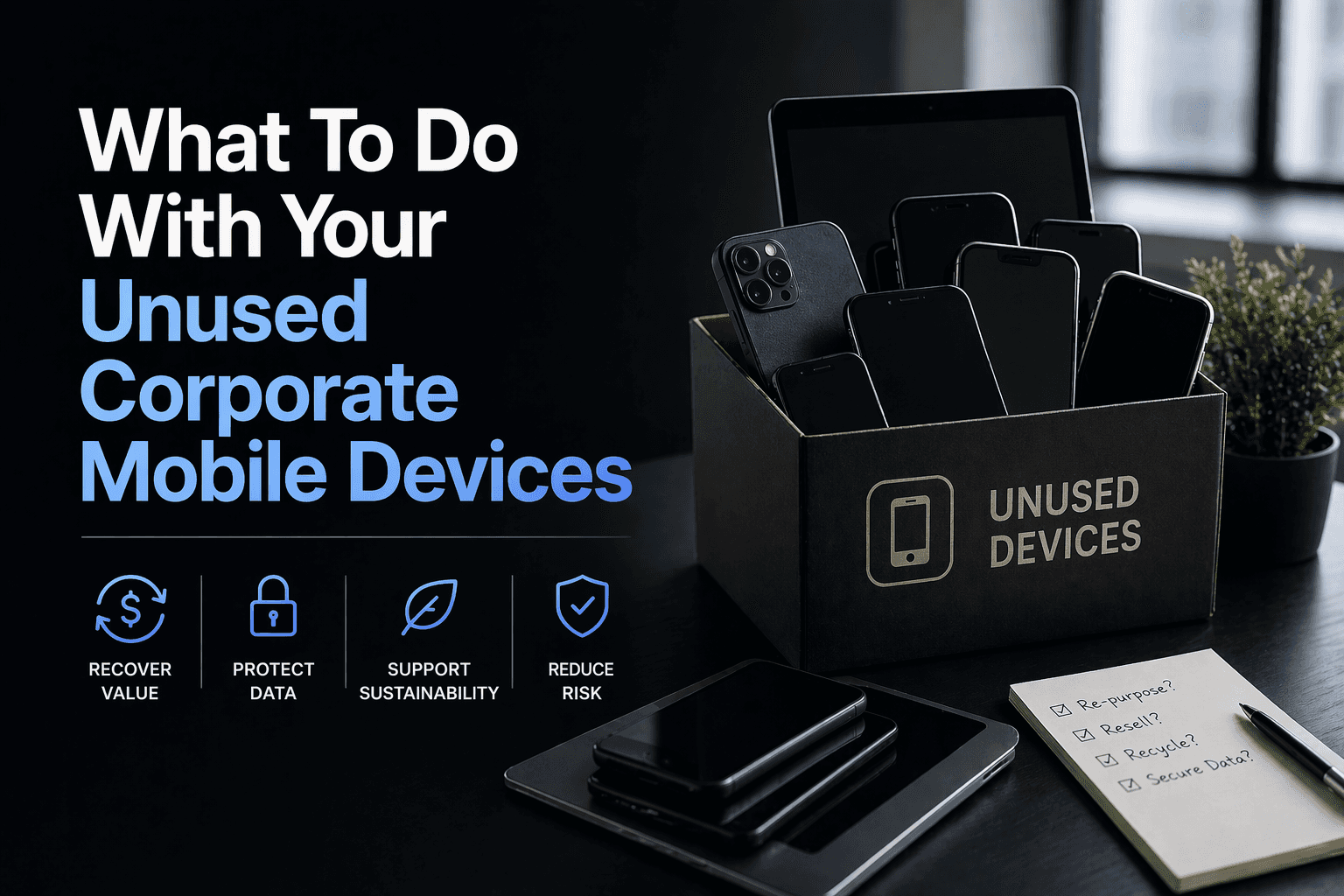
Activation lock is a great anti-theft feature, however, it can end up causing unnecessary chaos, especially for companies seeking to recycle devices or reconfigure them for others to use. You might think that because your company owns the phone, you shouldn’t have to deal with the problem, but sadly, you do not out of the box. If you have a Mobile Device Management (MDM) solutions implemented with supervised level enrollment via programs like Apple Business Manager (ABM), you are likely already protected. If you do not use MDM or a solution like ABM, phones from departed employees will still be locked with the previous user’s specific account information. If access to the account information is not readily available, you may think you’re stuck but there is actually a way to remove the activation lock. The steps are tedious and time-consuming (taking an average of 5-7 business days), but it is absolutely possible.
Note that once unlocked, the device will have to be factory reset. The data on the device cannot be recovered.
Our Technical Services Team at LINQ has been committed to helping ease this headache for our clients for years. Whether your company has a box full of locked phones or just one or two that need to be unlocked, we have the tools to help you eliminate this daunting task.
Although we offer these services, there’s always the option to tackle the process yourself. Here are the steps for both Android and Apple:
The process
Obtain the proof of purchase. You may need to call the device’s carrier to acquire proof of purchase/receipt. In some cases, a device may be too old and the carrier can no longer provide it.
Contact the manufacturer to initiate an unlock request. They should provide you a case number.
Provide the proof of purchase with that case number to an email address or form specified by the manufacturer.
In some cases (Android), they may require you to have the device physically shipped in. Turn-around time in our experience has been 2-4 weeks after the device is shipped out. They will return a similar device factory reset but unlocked.
If all of this seems time consuming and frustrating, you’re right, it is!
For more information about how our tech team can help ease this headache for your company, please contact info@linqservices.com.